Contact us
Michael Baldauf
Head of Sales DACH
+49 911 39901889
michael.baldauf@sofistik.com
LinkedIn
Building design projects are becoming increasingly demanding. Spectacular architectural designs paired with shorter and shorter construction times and the necessity to react to short-term changes pose significant challenges for structural engineers. This renders powerful and reliable software products indispensable tools for engineers and designers in the field of advanced building construction and design.
Suitable software solutions support seamless workflows from model creation over analysis and design up to the creation of required formwork and reinforcement plans, allowing for efficient and economic project processing. It is essential that structural engineers can fully rely on their software tools while modern requirements are fully met. State-of-the-art building design software needs to enable smooth collaboration as well as internal and external exchange, irrespective of programs used by the project parties. At SOFiSTiK we are committed to providing software for building design that lets you focus on what really matters. Whether small or highly complex construction projects, building design solutions by SOFiSTiK reliably assist you throughout the project phase and help ensure that you meet your individual project goals.
You're interested in learning more about our software solutions for building design? We're here to help.
Get in touch with our sales team:
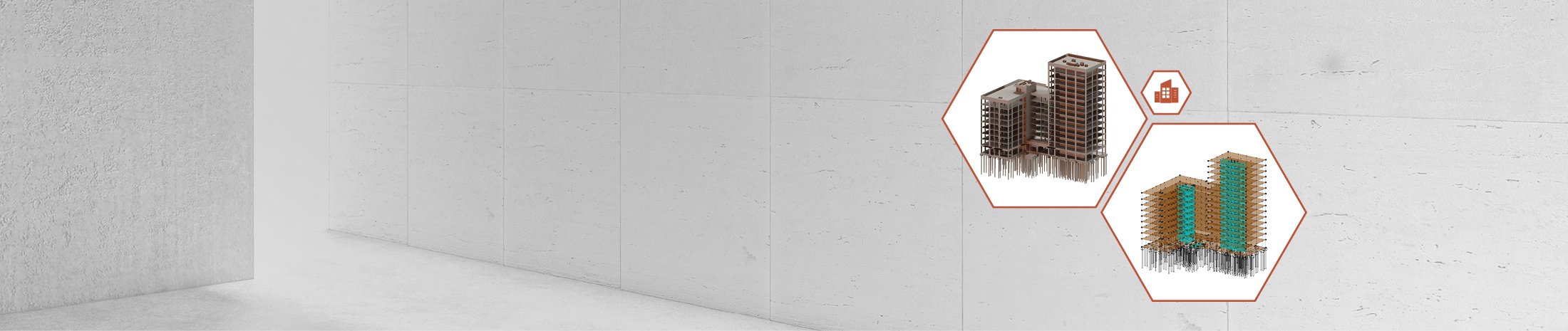
BIM readiness and 3D modelling
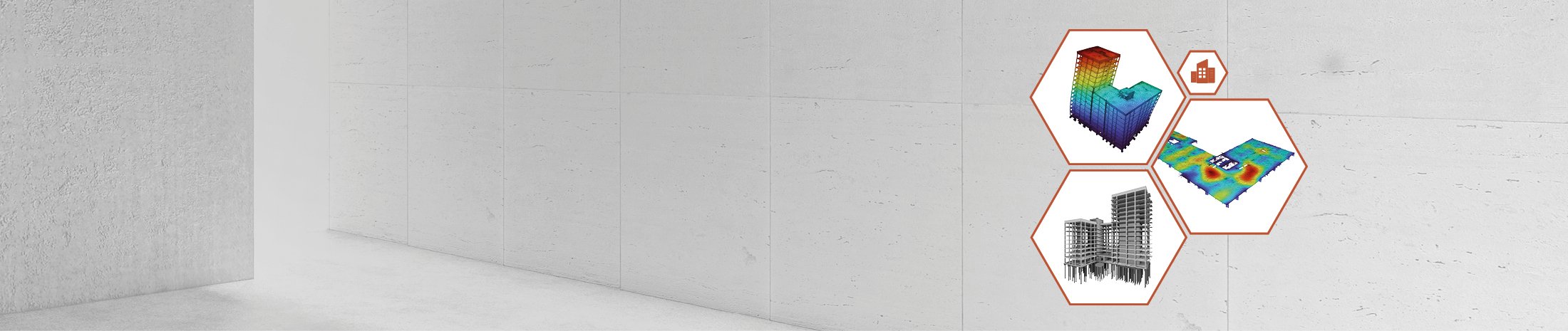
Cost-effectiveness
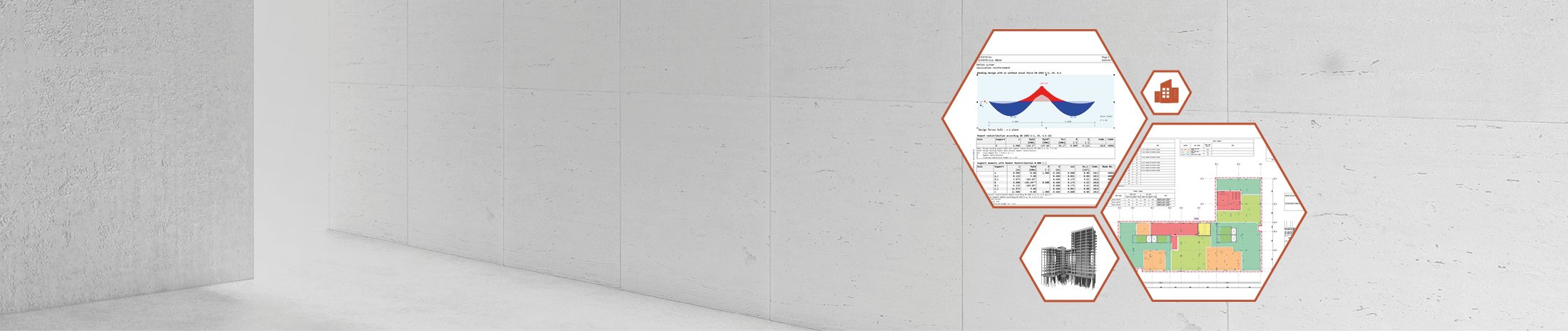
Quality of calculation
flexible formats for
BIM in building construction
Remain completely flexible for diverse
(BIM) workflows with our (open) interfaces
to various systems.
seamless processes for efficient planning
SOFiSTiK supports the entire planning/design process - from model creation and calculation through to formwork and reinforcement planning.
adaptable and individual
No matter whether independent engineer or global player in the field of structural engineering - we have the fitting solution
for your needs.
3D FEM professional is your package for 3D BIM analysis and design for building design. You benefit from flexible system input options via AutoCAD, Revit, Rhinoceros or text-based (TEDDY).
3D FEM premium is your package designed specifically for 3D structural engineering projects. Non-linear effects and pile elements for simulation of soil-structure interaction complement input possibilites via SOFiPLUS / Revit® Structure.
SOFiSTiK Reinforcement (RC) brings together advanced 3D reinforcement modeling and efficient documentation workflows in one unified BIM solution for Autodesk® Revit®.
SOFiCAD is the proven, time-tested
solution for 2D reinforcement planning in AutoCAD
(also available with integrated AutoCAD OEM core).
The tool for classic 2D design.
No, Analysis + Design for Revit is a collection of features and analysis capabilities for structural analysis and design based on Autodesk® Revit®. The functionality of Analysis + Design for Revit is included in every SOFiSTiK 3D FEM package.
Regarding Analysis + Design for Revit, the licensed package has no initial impact. The features of Analysis + Design are available in every 3D FEM package. However, later in the design process, a second-order analysis (Theory II. Ordnung) may become necessary, which would then require the 3D FEM premium package. An overview of the key differences between the individual 3D FEM packages can be found here.
Yes, with Analysis + Design for Revit, you can design individual elements such as columns, beams, or slabs directly within Autodesk® Revit® as part of a component design or member-based analysis. There is no need to switch to the SSD for this.
However, if required, these components can also be transferred to the SSD and designed there using the corresponding SSD tasks.
When you perform both the analysis and the reinforcement planning with SOFiSTiK, you benefit from being able to check the actual rebars in the execution modeling stage directly against the results of the structural analysis. The reinforcement check accesses the results from the central database (CDB) of the SOFiSTiK project folder and shows you precisely where insufficient reinforcement might have been accounted for in a structural element.
Yes, that is easily possible. You can create multiple subsystems within one Revit model, connect them using the load takedown feature for automatic load transfer, and subsequently design them as 2D slab positions.
In parallel, you can perform calculations on a 3D global model – all within the same Revit model. This also allows you to verify whether a pure 2D analysis might err on the unsafe side. Splitting the analysis into separate vertical and horizontal load takedowns is also fully supported within a single Revit model.
Yes, the Analytical Model Generator (AMG) generates an analytical or analysis model from the physical building model in Revit (the structural engineering discipline model). You need this analysis model for load definition, and it also serves as the foundation for calculation and design within Revit. Consequently, the Analytical Model Generator (AMG) is also included in every SOFiSTiK 3D FEM package.
Yes, you can open any subsystem or even the global 3D system via the SOFiSTiK Structural Desktop and add further inputs there. These can be either graphical tasks or Teddy text inputs.
This allows you, for example, to simulate a construction sequence for a 3D global model using the Construction Stage Manager (CSM). In this case, the grouping of the elements takes place in the Revit analysis model, while the tasks for the construction stages are located within the SOFiSTiK Structural Desktop (SSD).
Yes, that is no problem. You can first use the AMG to generate an analysis model in Revit. If you then wish to make modifications to this model using the extensive features of SOFiPLUS, you can import the model into SOFiPLUS and complement it with additional inputs. The subsequent calculation will then be performed based on the model from SOFiPLUS.
If the original model originated in Autodesk® Revit®, you can still bring the results of this calculation back into Revit for result evaluation and for the reinforcement check.